Product
One workspace for the whole delivery, from story to sign-off
Plan the sprint, test the story, check the APIs, track the hours and send the client proof. Every screen below is NaatOps as it ships, on a demo client project.
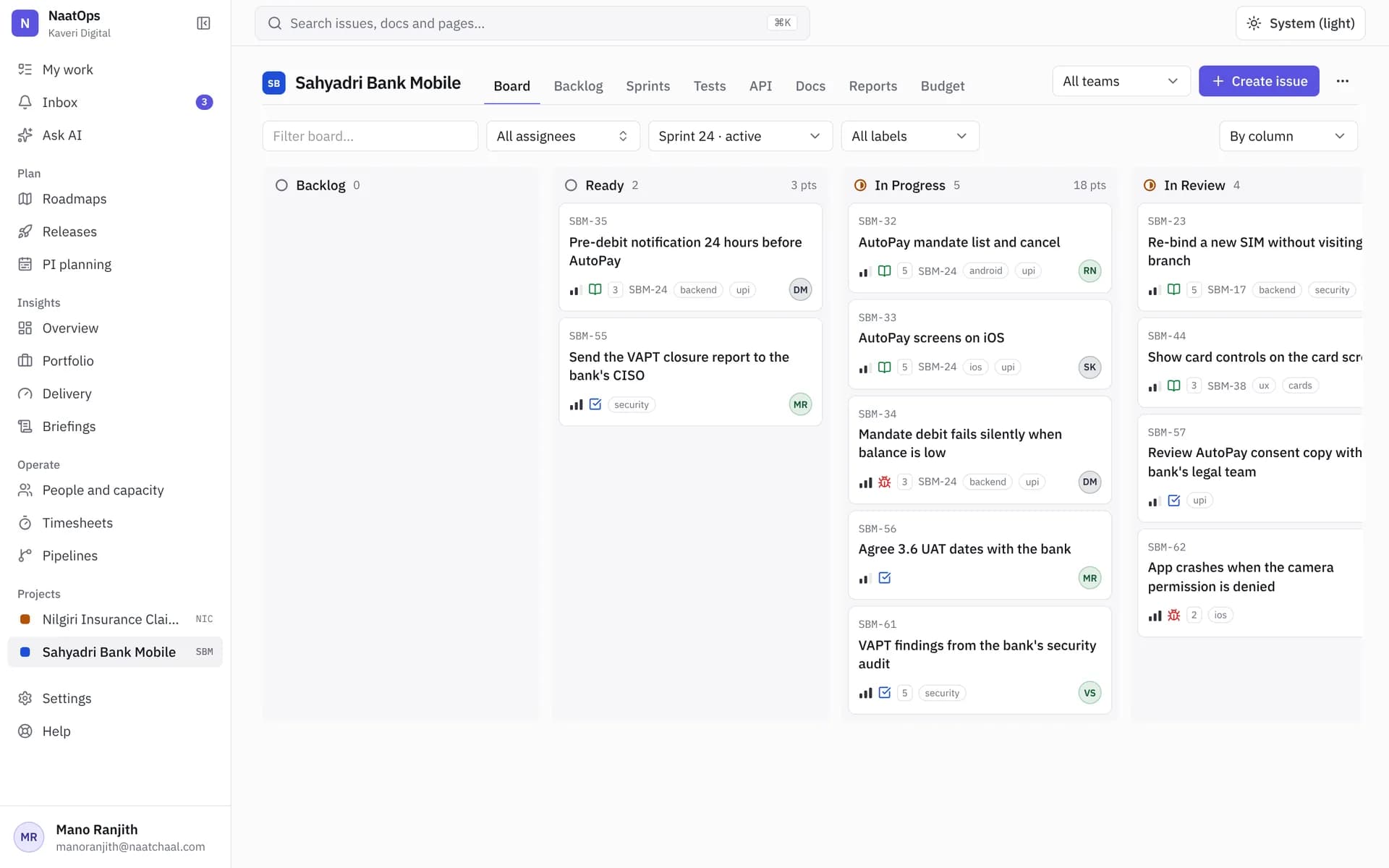
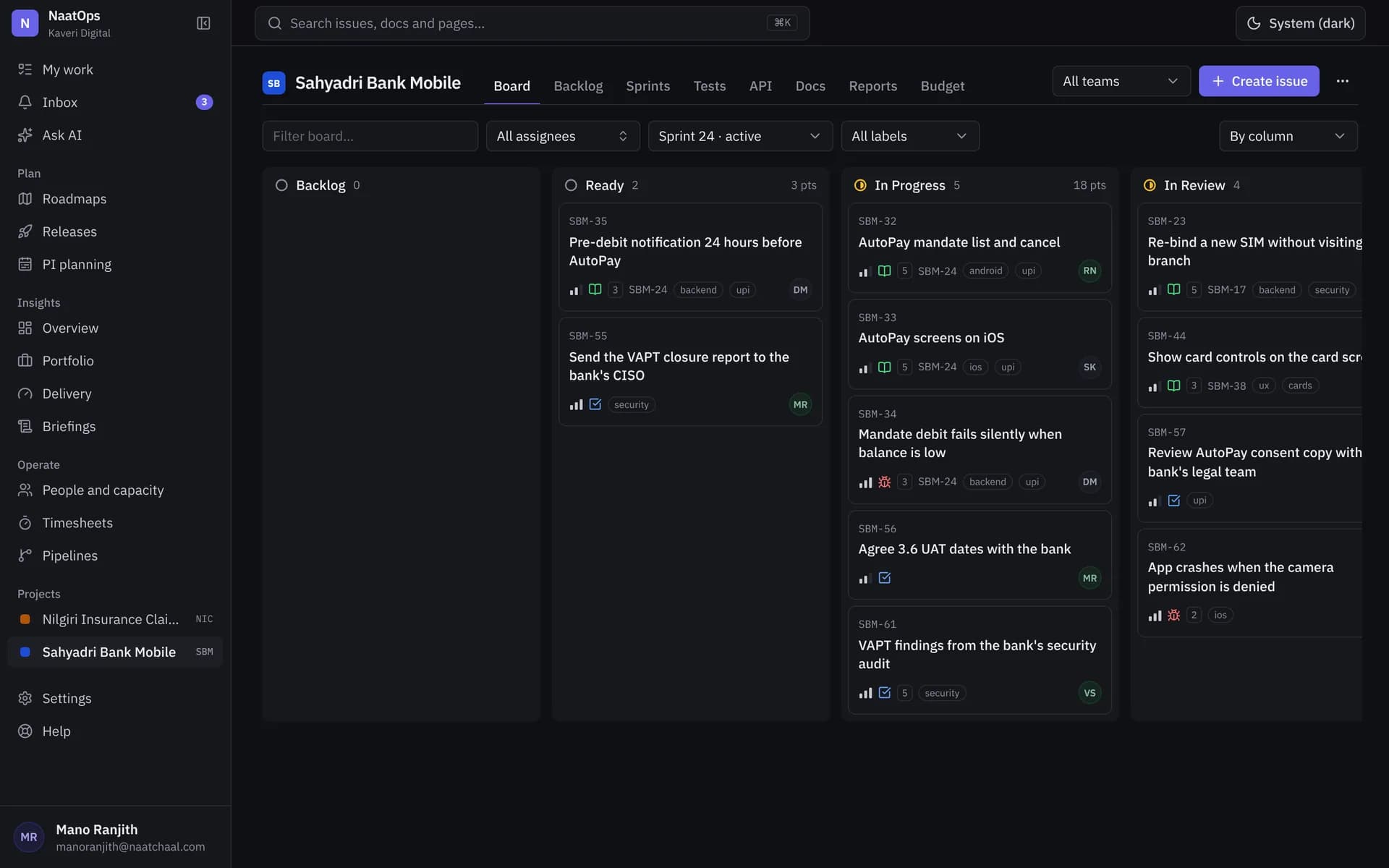
Plan sprints your team will actually keep up to date
A board, backlog and issue page that stay out of the way. Press C to create, drag to plan, and see every client project on one screen.
More about boards and sprints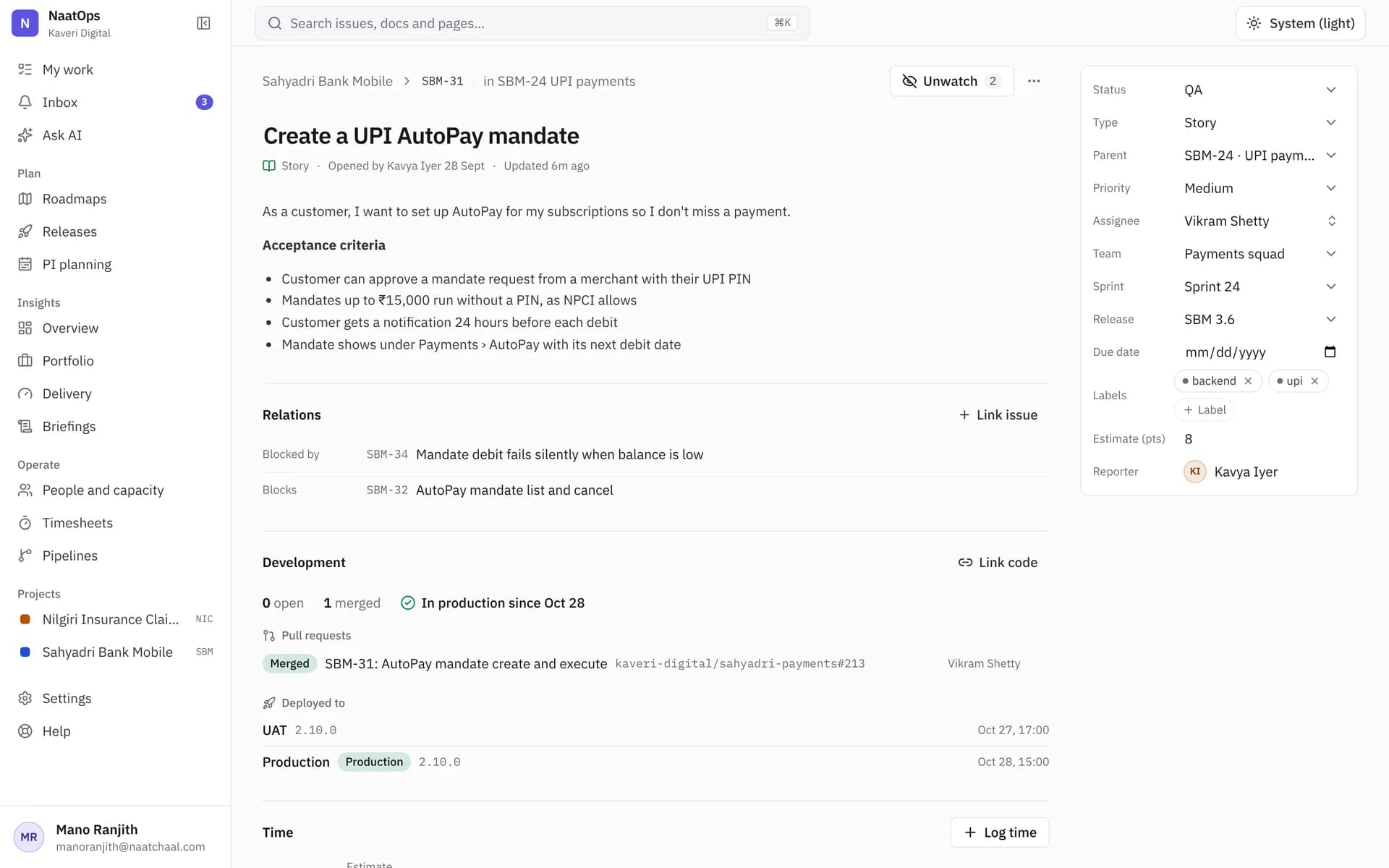
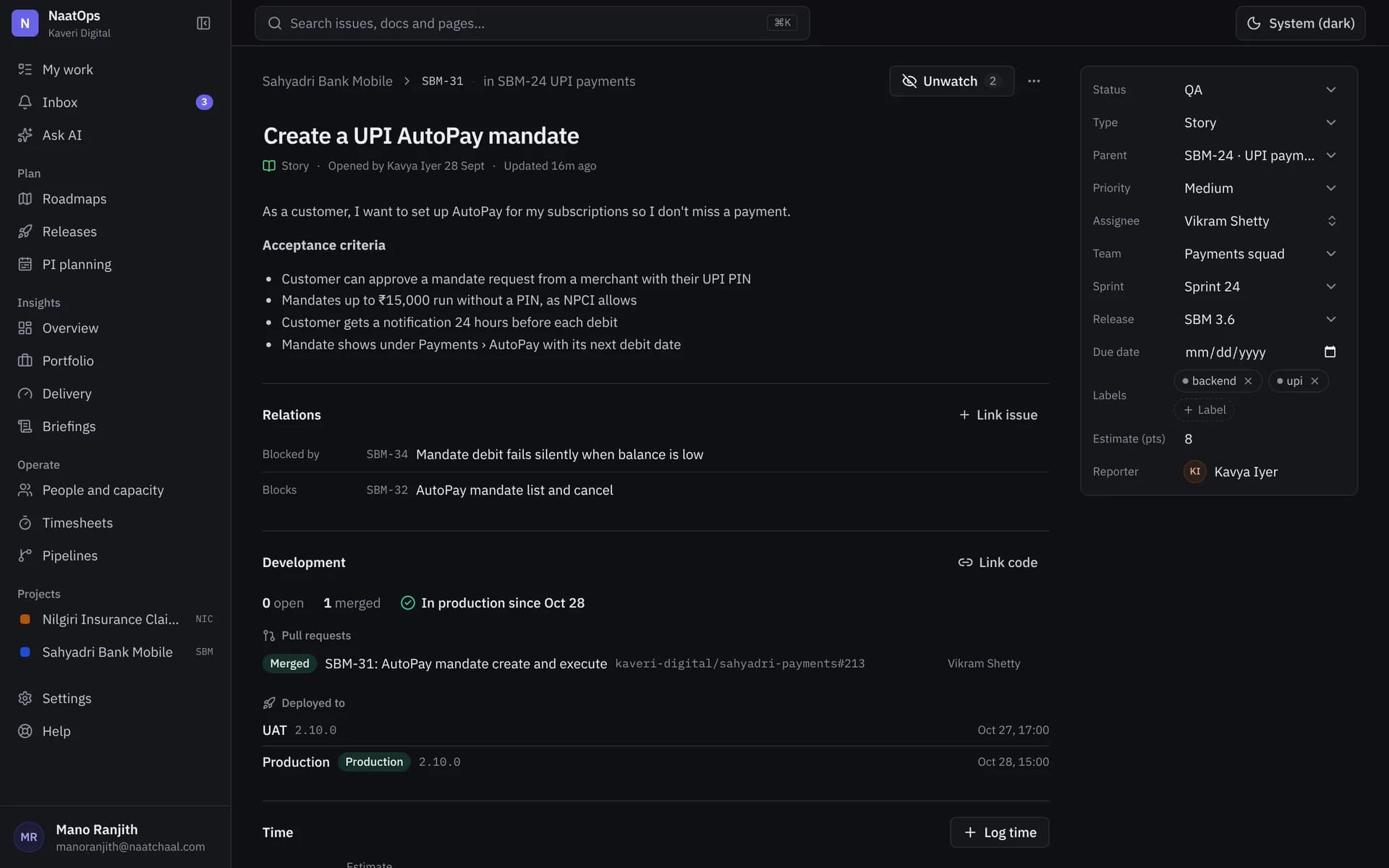
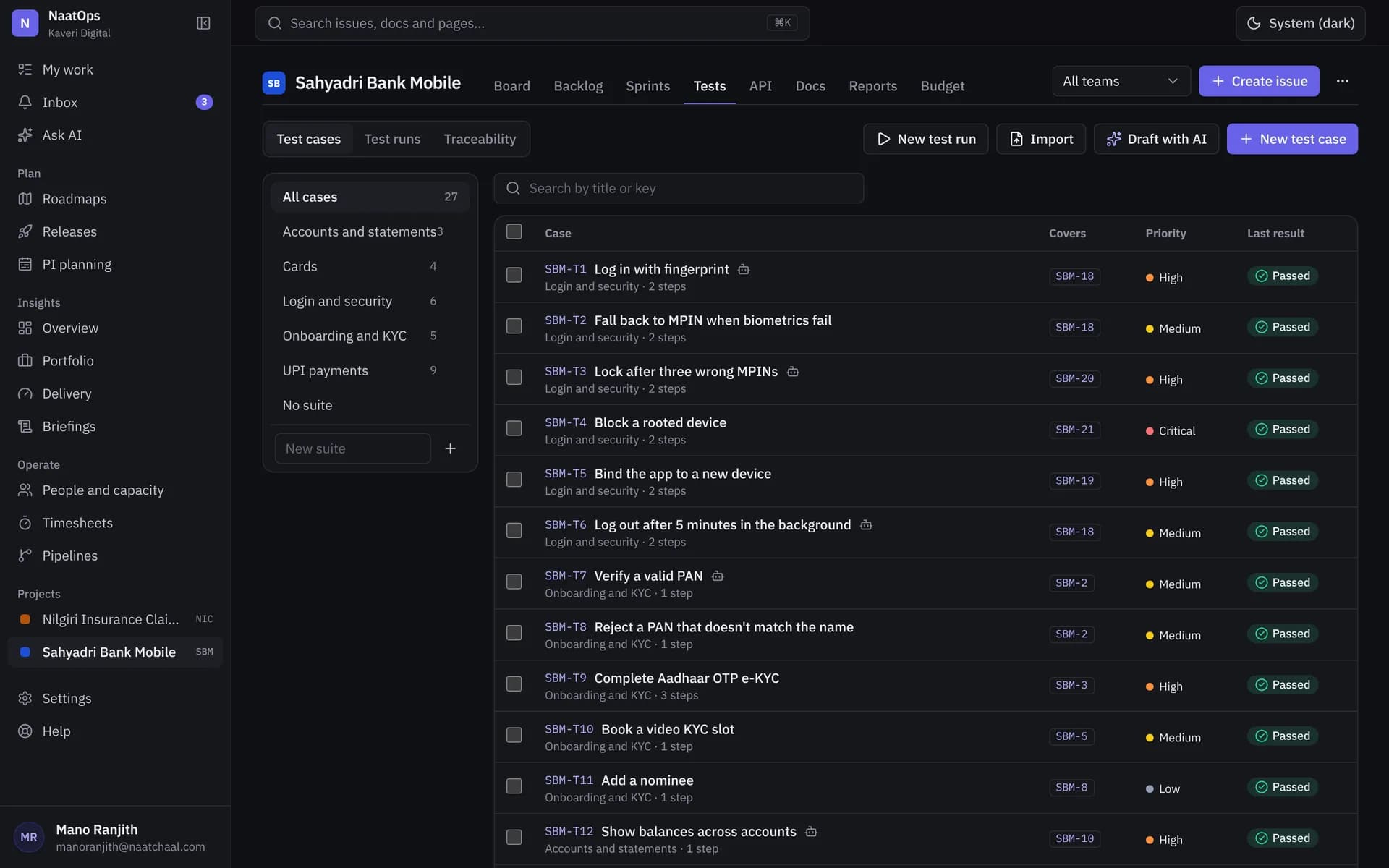
Test cases that live on the story they prove
Write test cases next to the acceptance criteria, run them in a test run, and keep every result linked to the story. No Excel, no plugin seat bill.
More about test management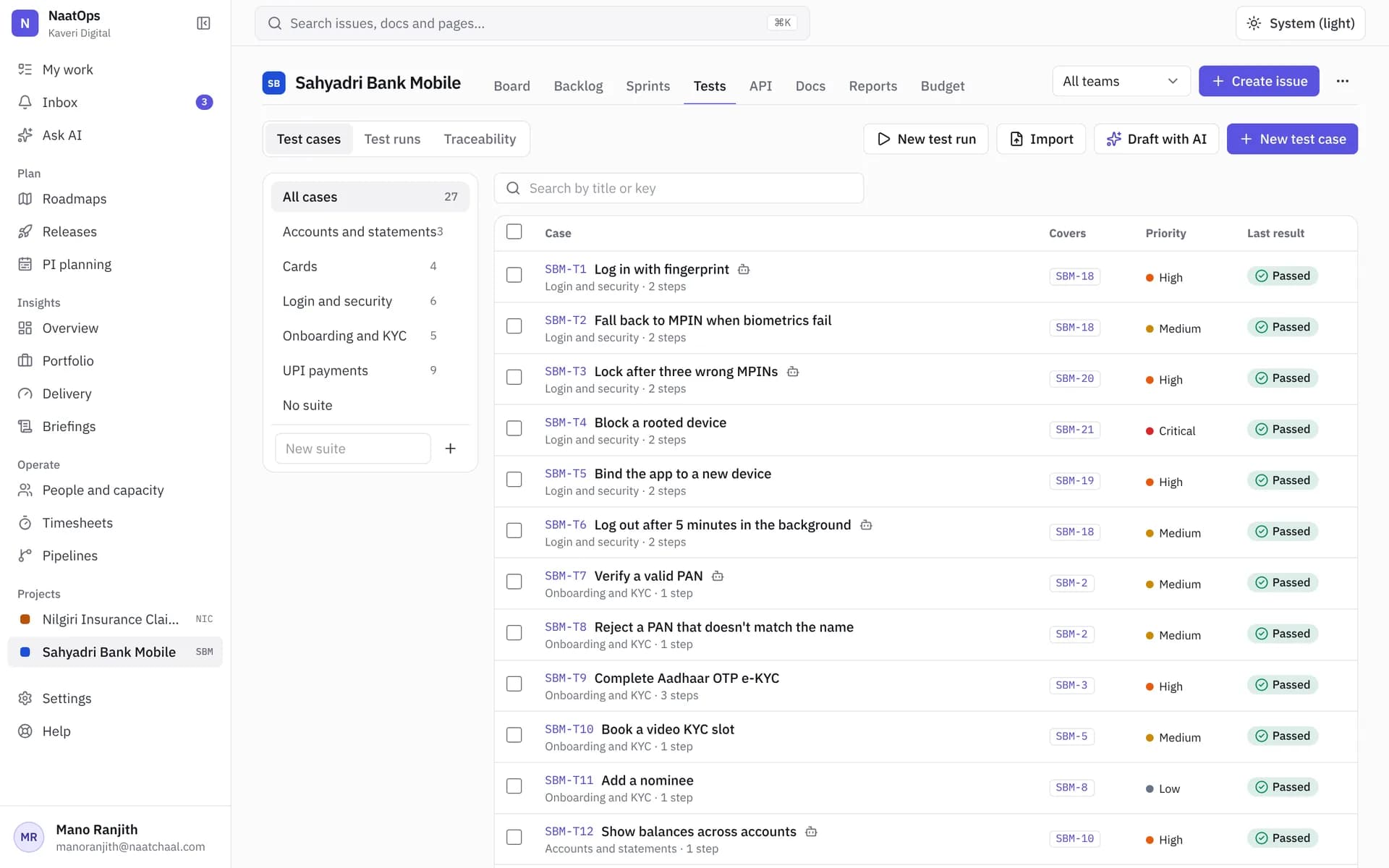
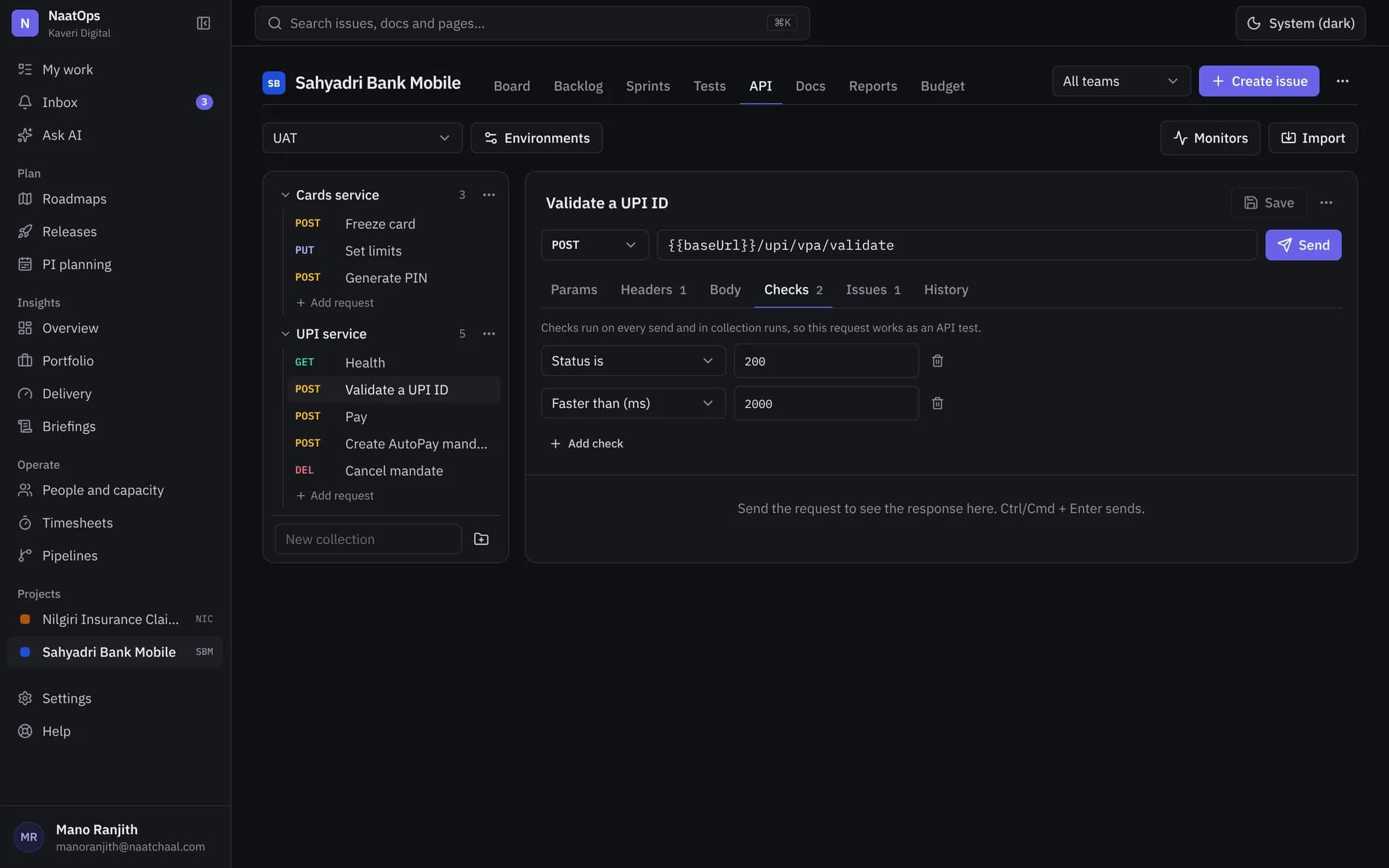
API checks next to the work they test
Save requests, environments and assertions inside the project. Run them by hand, from CI, or on a schedule, and link them to the story.
More about api testing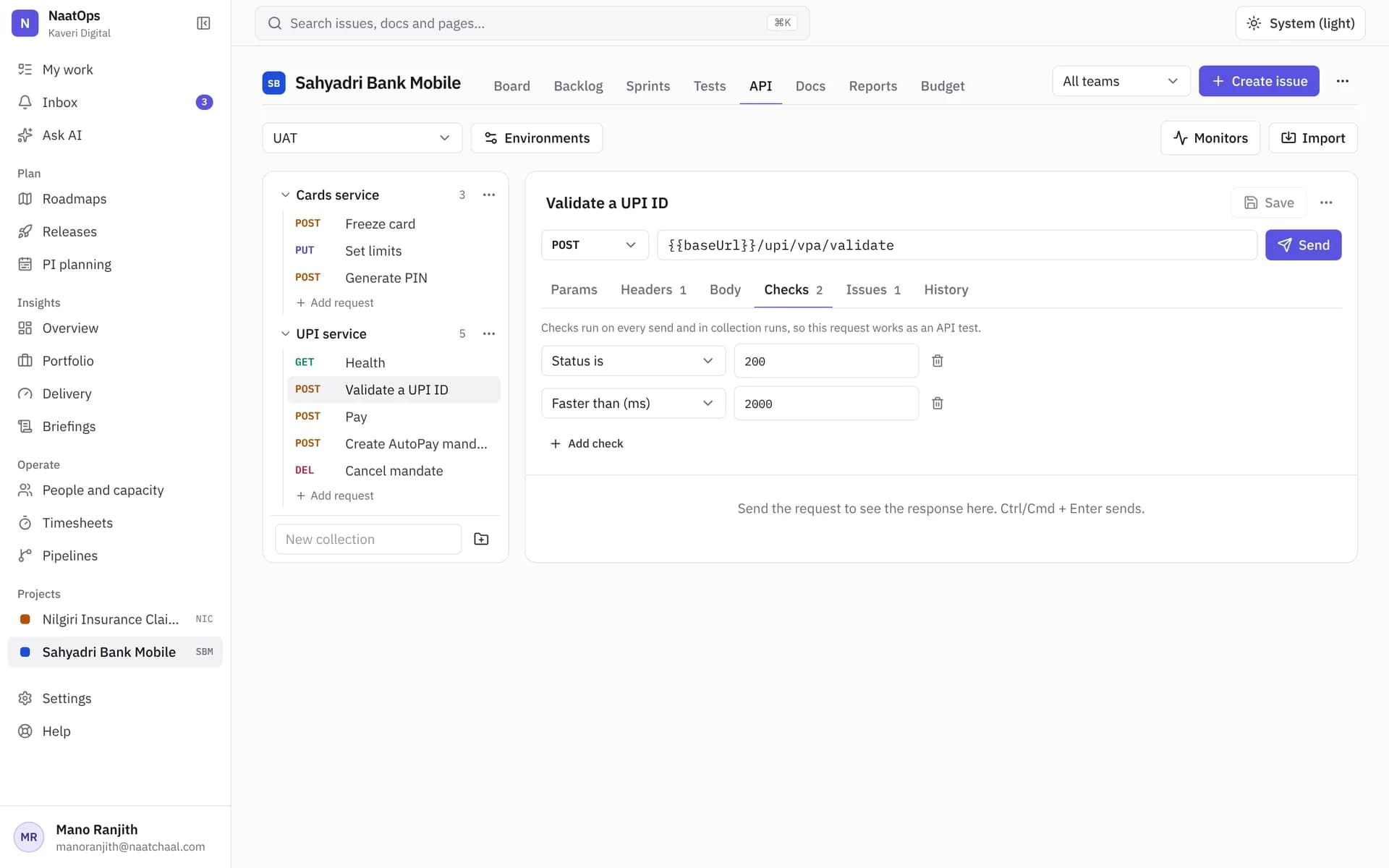
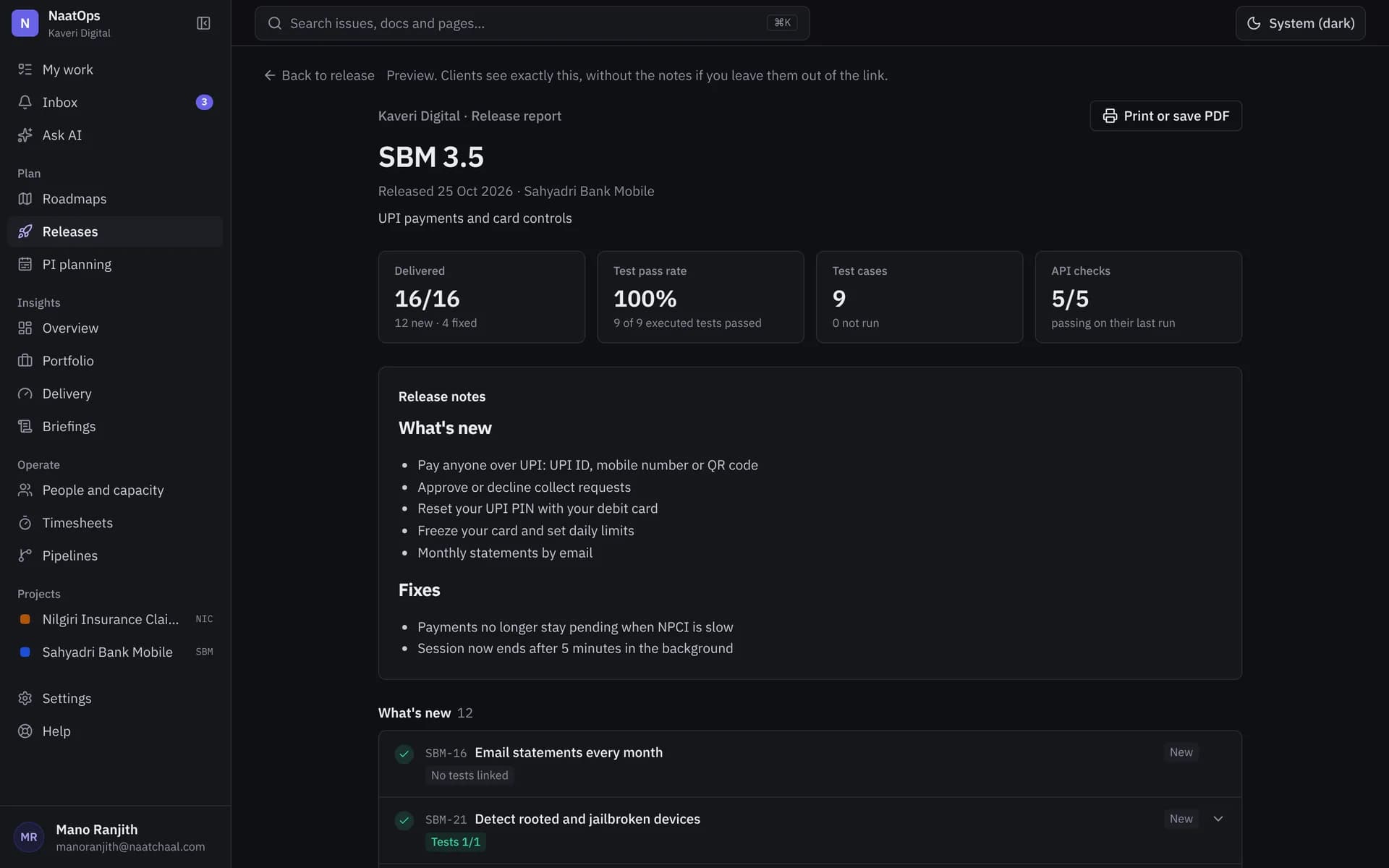
Send every client proof the release was tested
Every release gets a read-only link: what shipped, what was tested and what passed. Your client reads it without an account, then accepts or asks for changes.
More about client release reports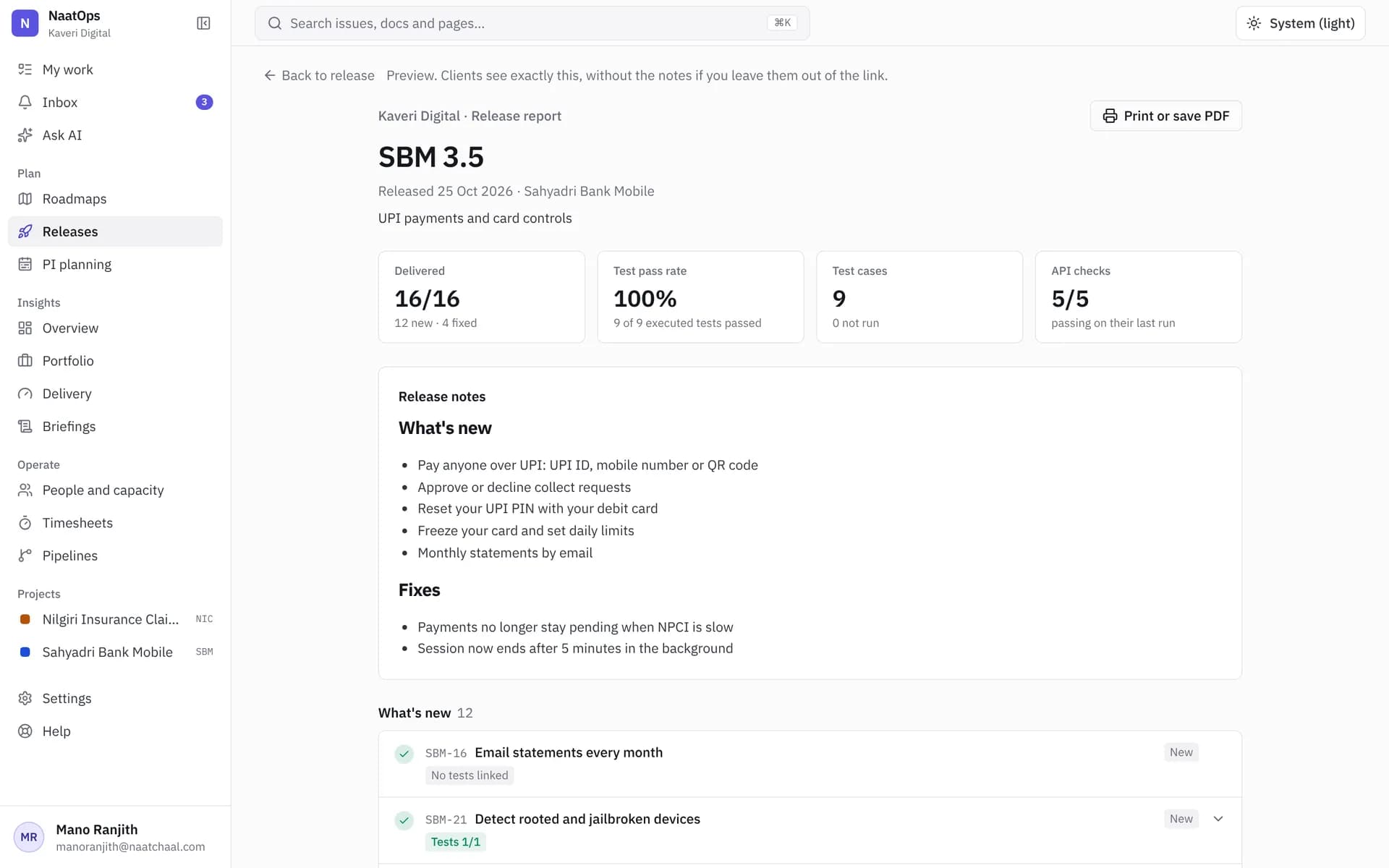
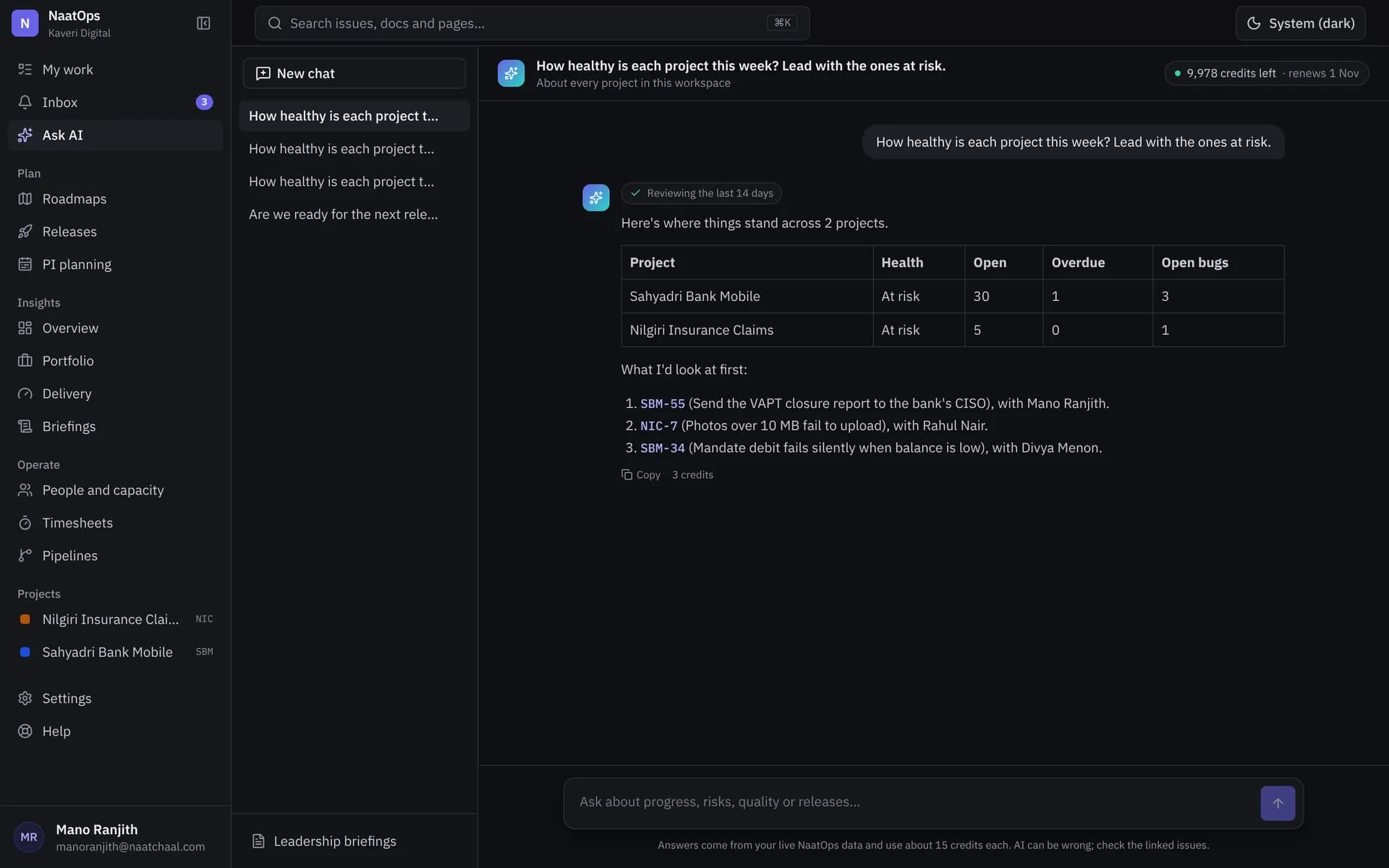
AI that knows your projects, and only what you may see
Ask what is at risk, get a Monday briefing for every lead, and turn a client document into stories and test cases. Answers respect each person's permissions.
More about ai assist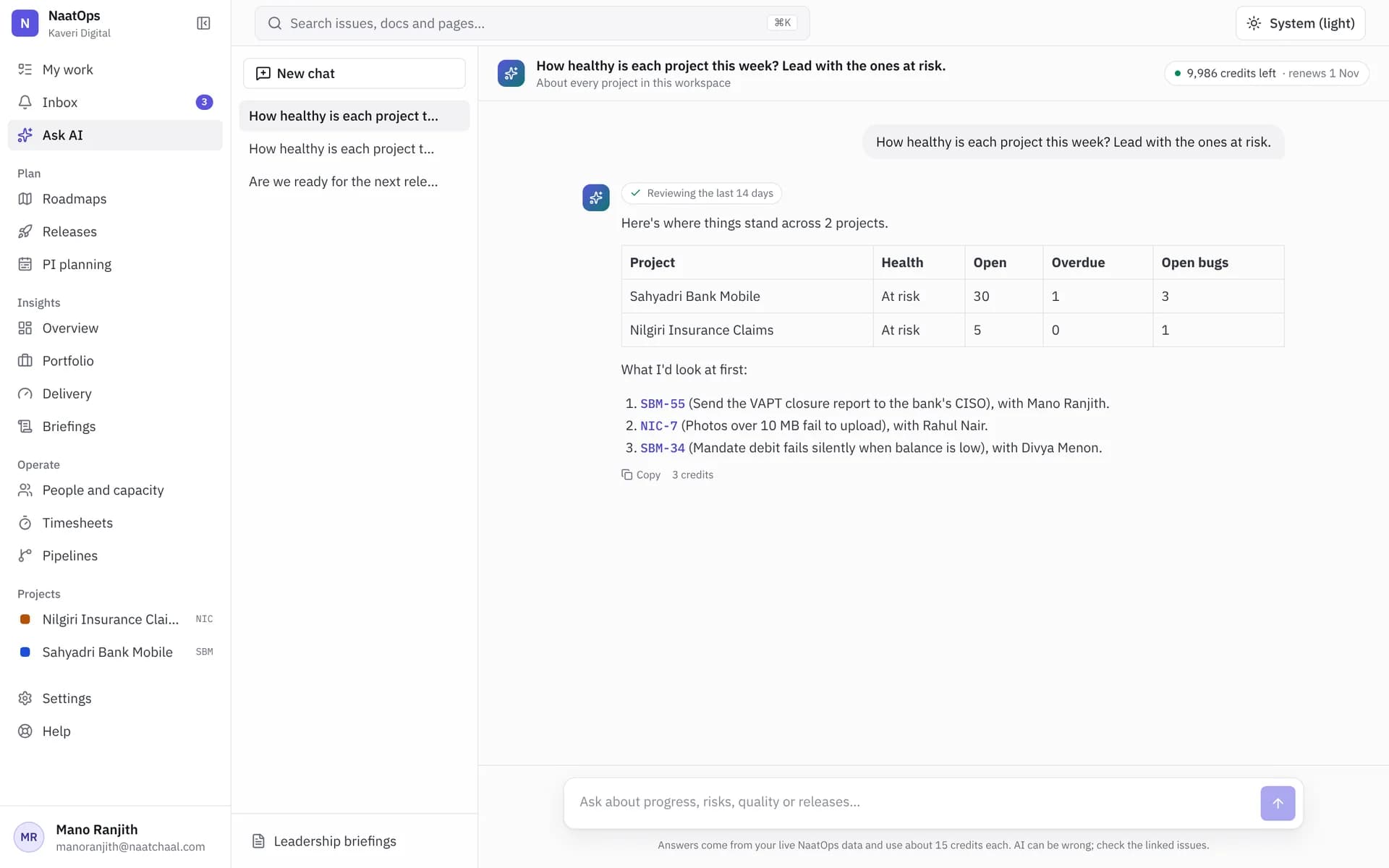
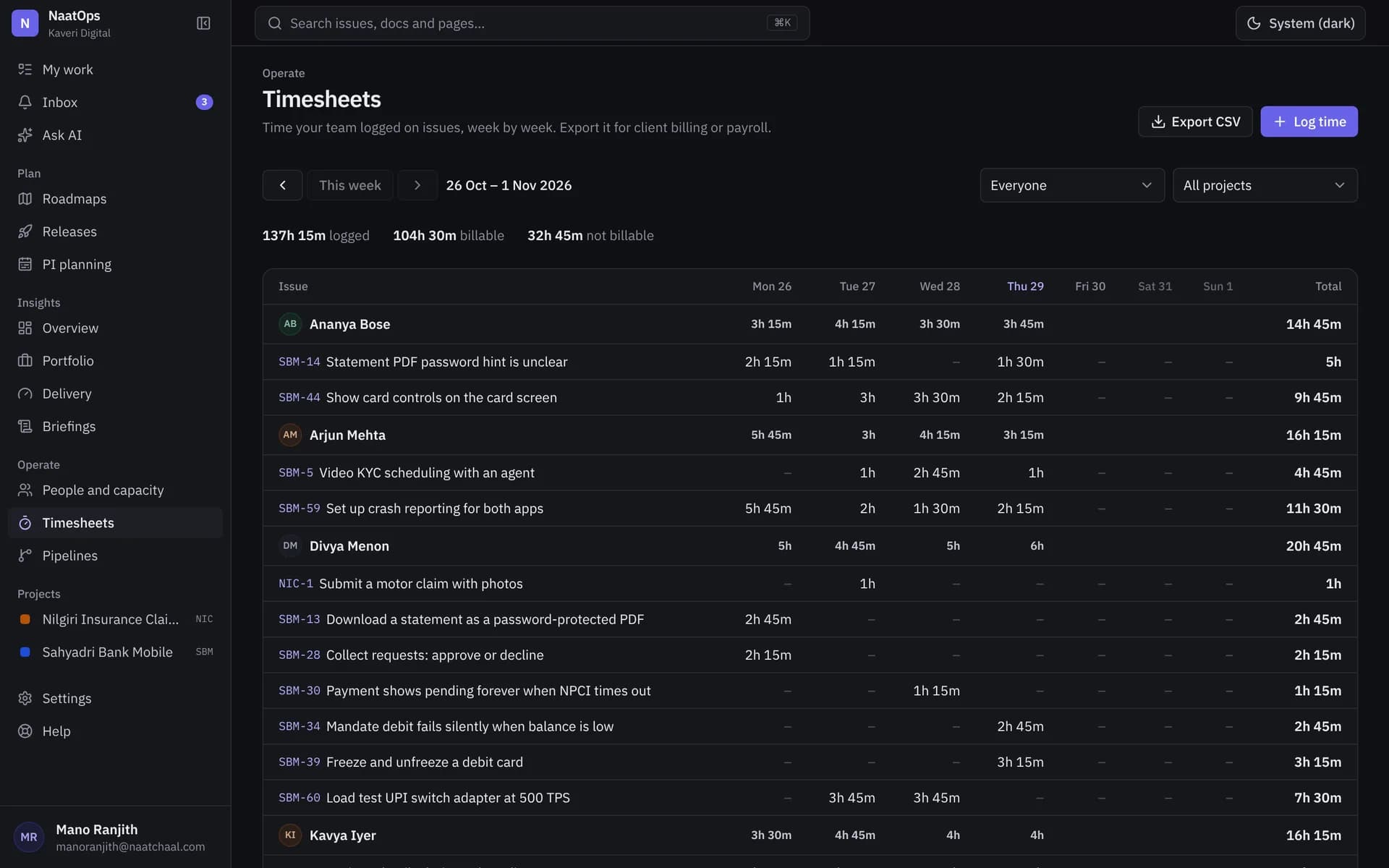
Know where the hours and the budget went
Log time on the issue you worked on, approve timesheets each week, and see how much of each client budget is used before it runs out.
More about time and budgets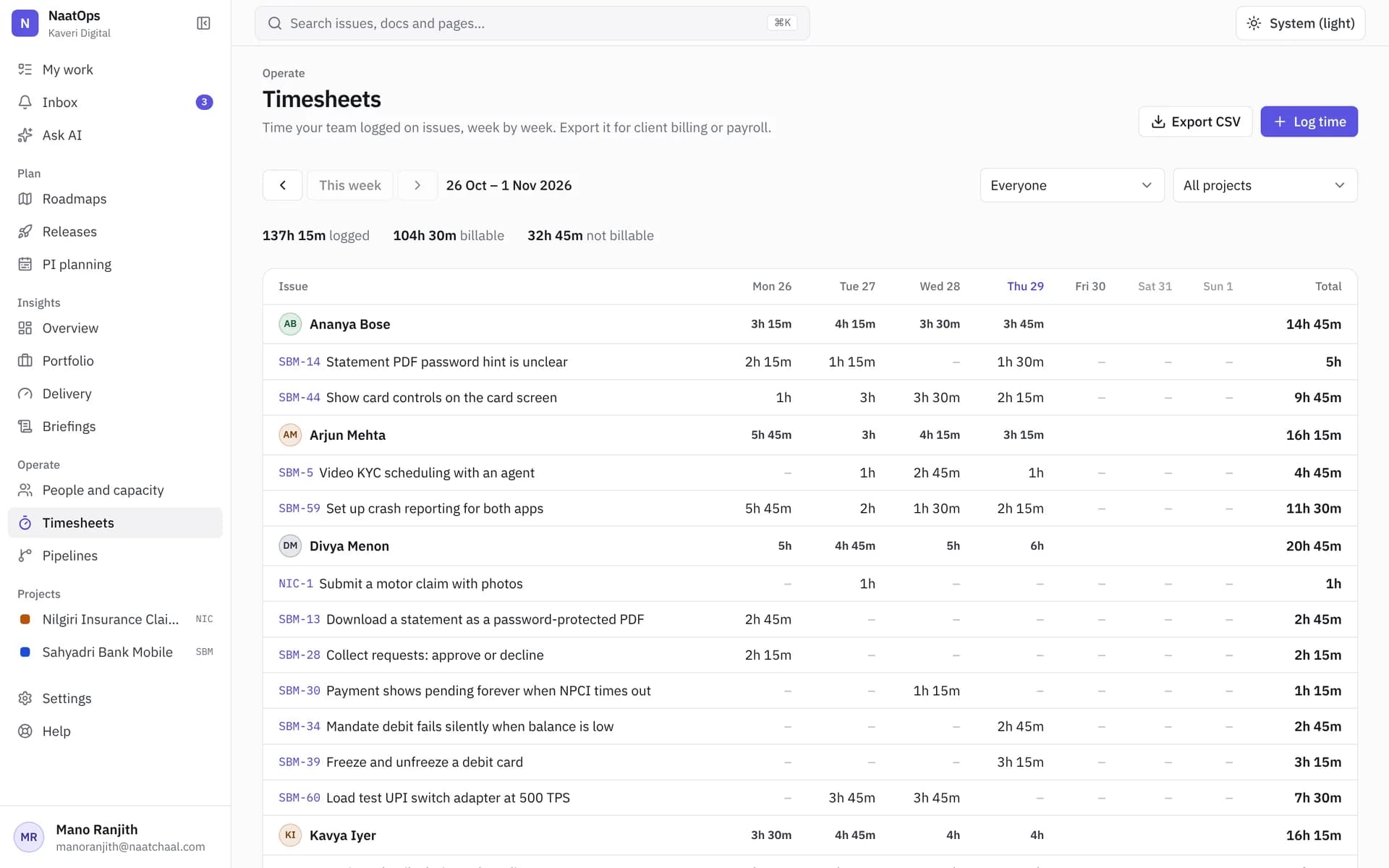
Move from Jira and Excel in an afternoon
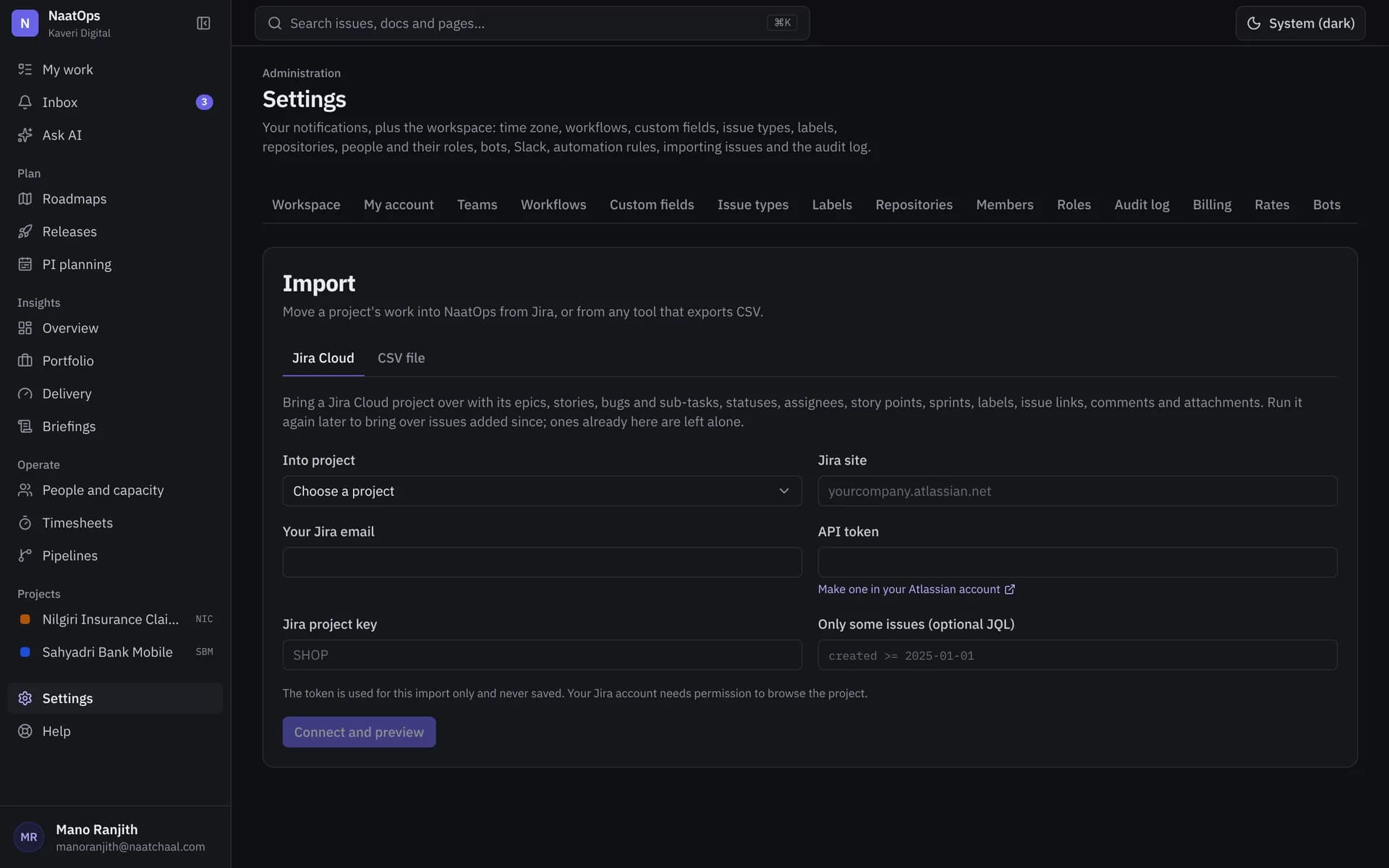
Connect Jira Cloud with an API token, preview what will come across, and import. Bring test cases from Excel or TestRail exports the same day.
More about jira and excel import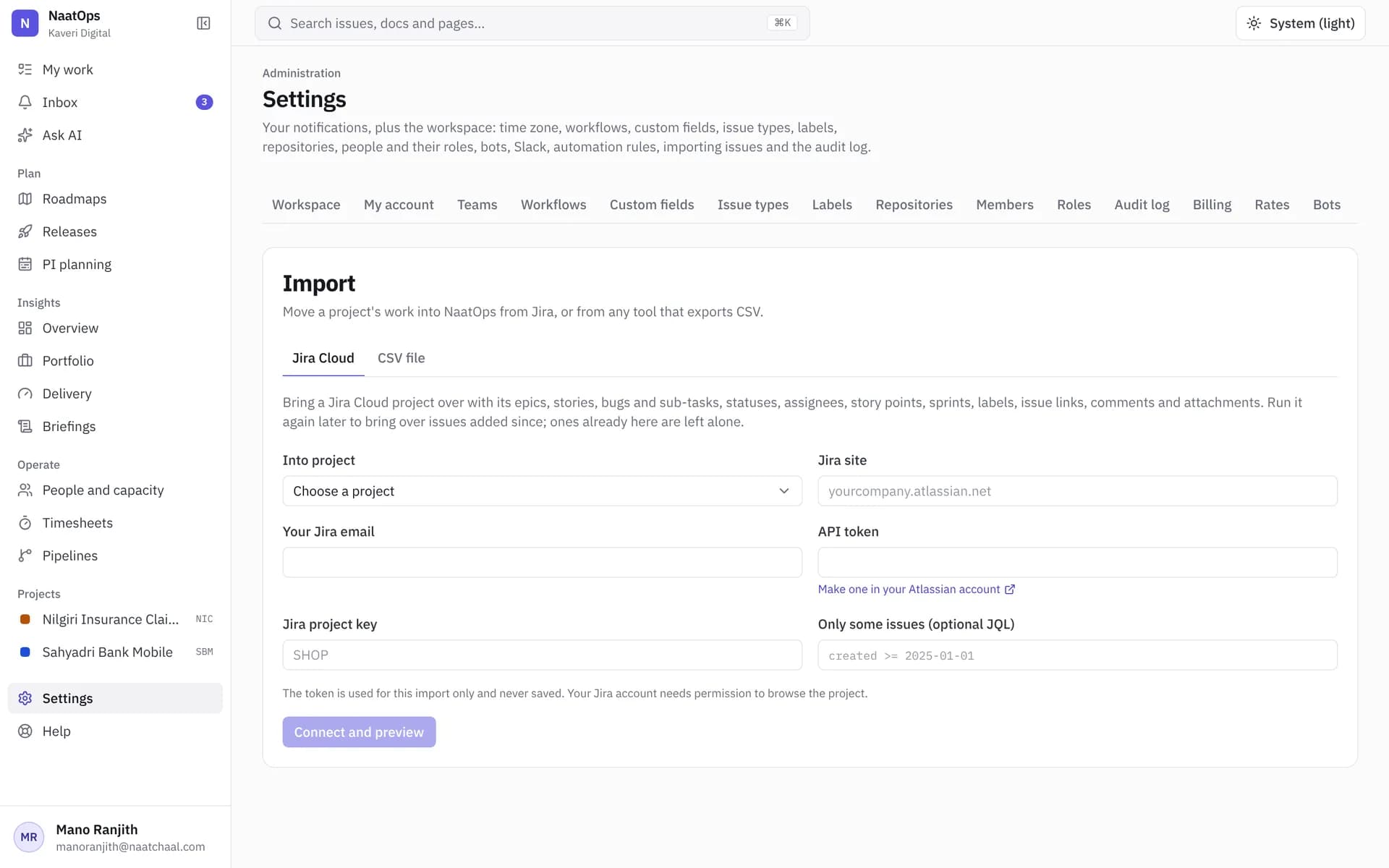
And for the people who run the firm
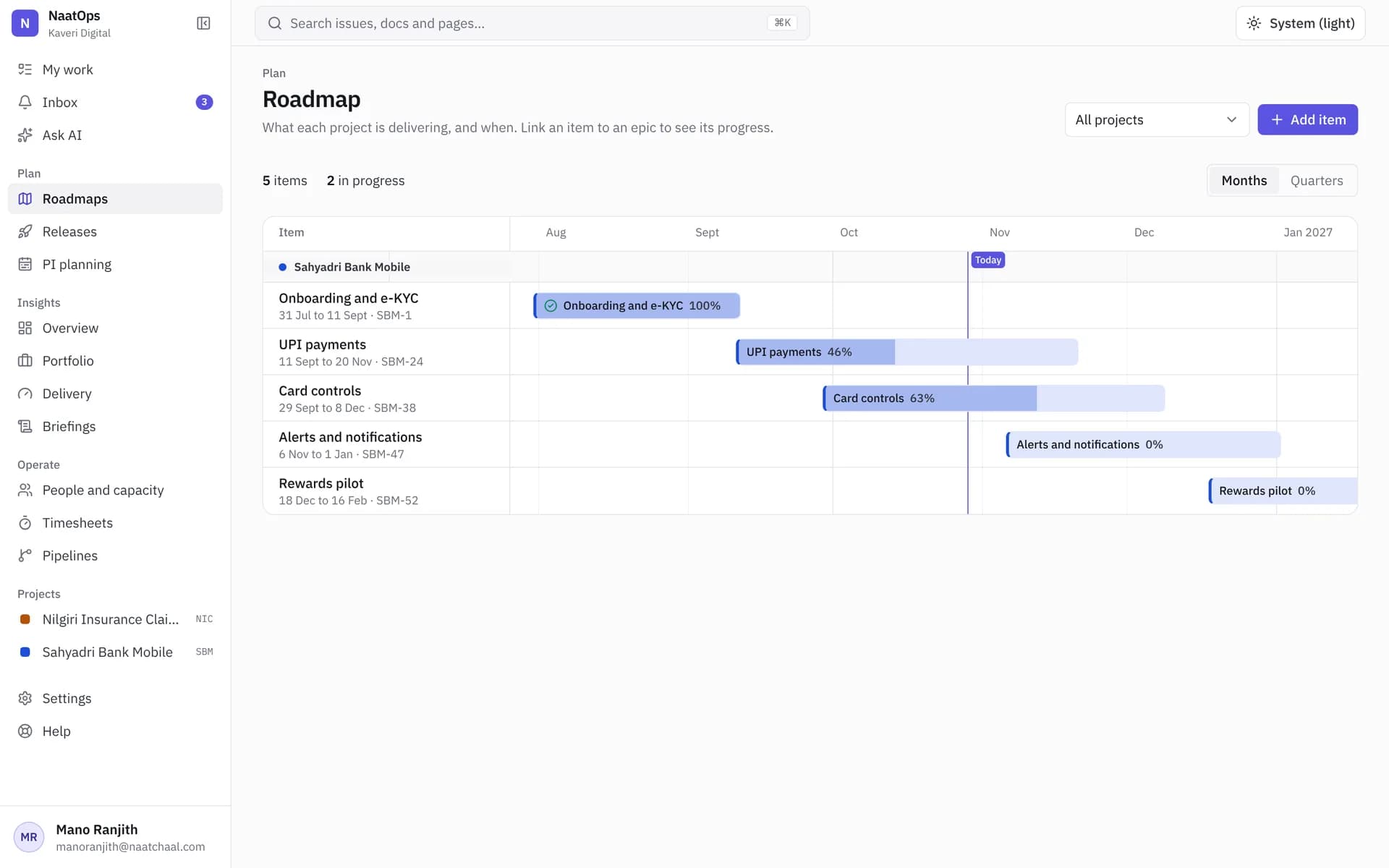
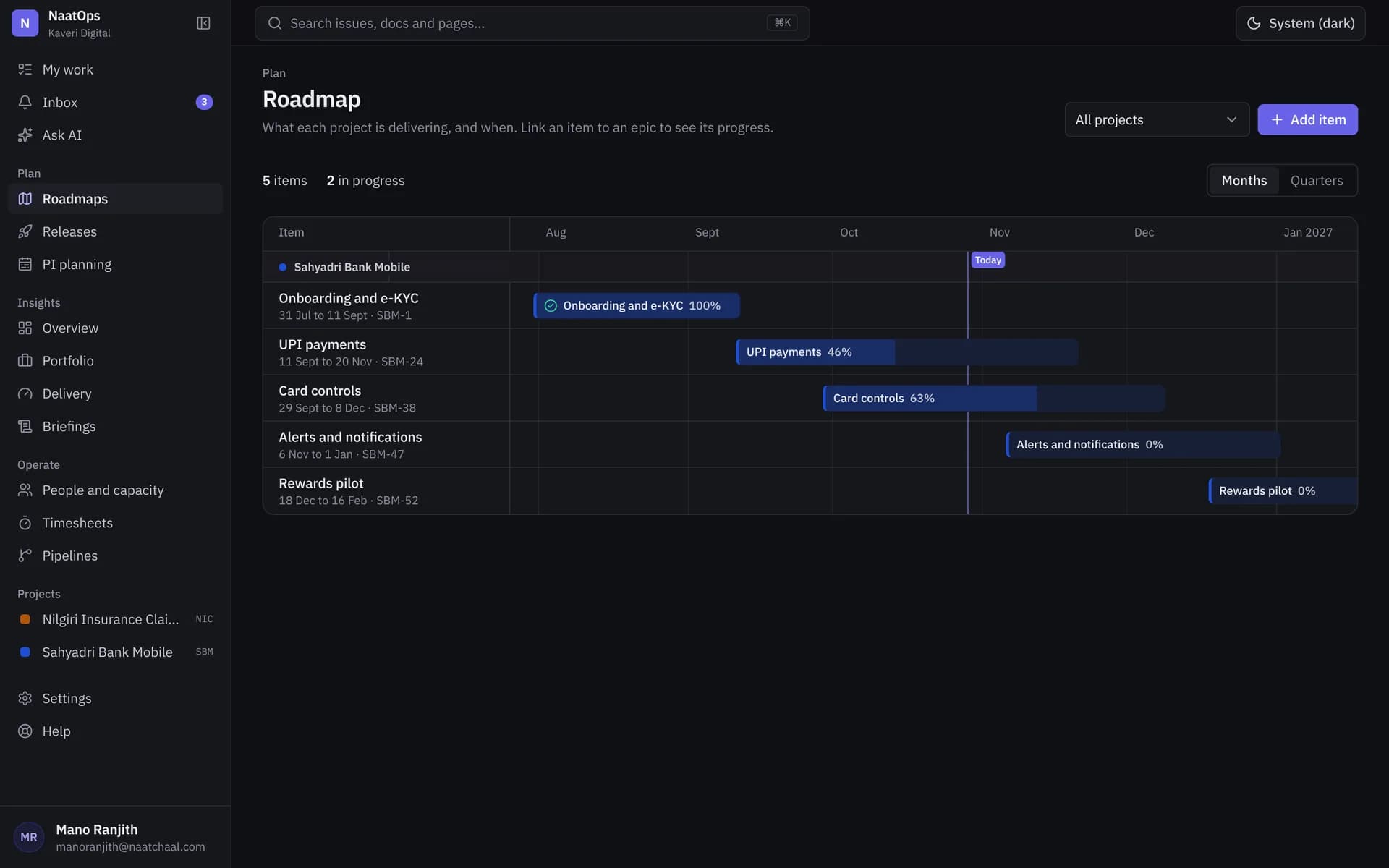
Roadmaps
Plan epics across months and quarters, and see progress from the work underneath.
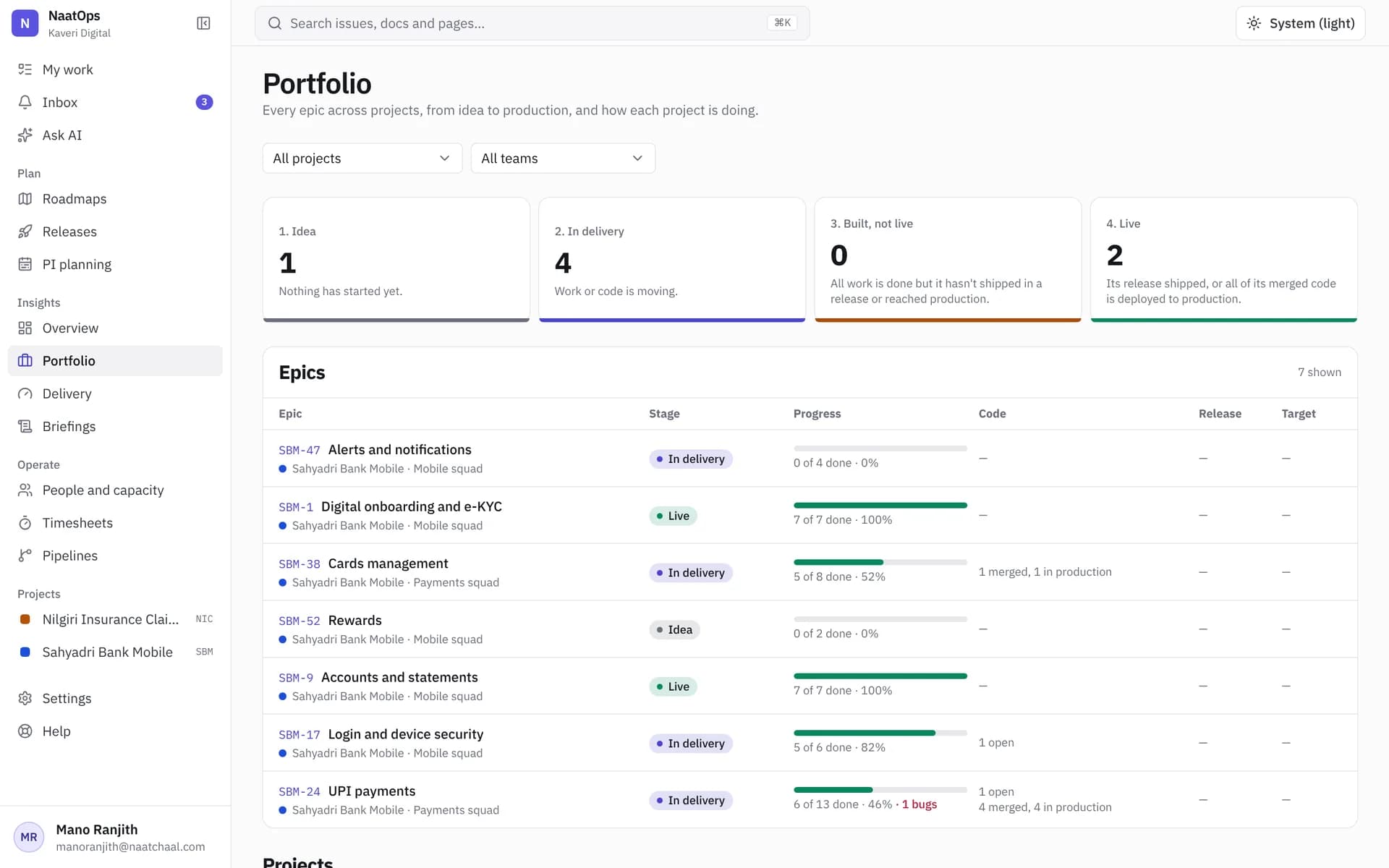
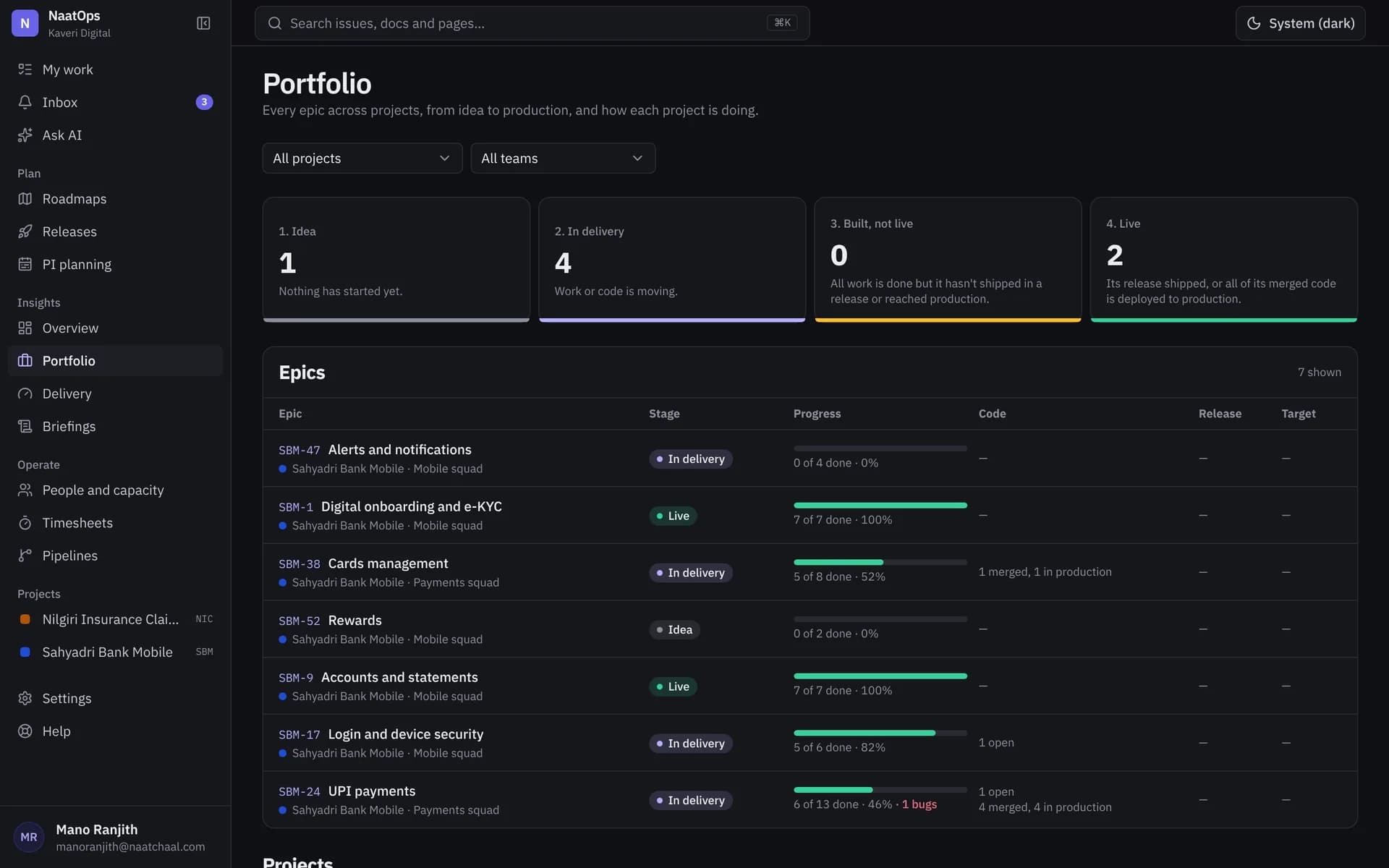
Portfolio
Every epic across every project, from idea to live, with the code behind it.
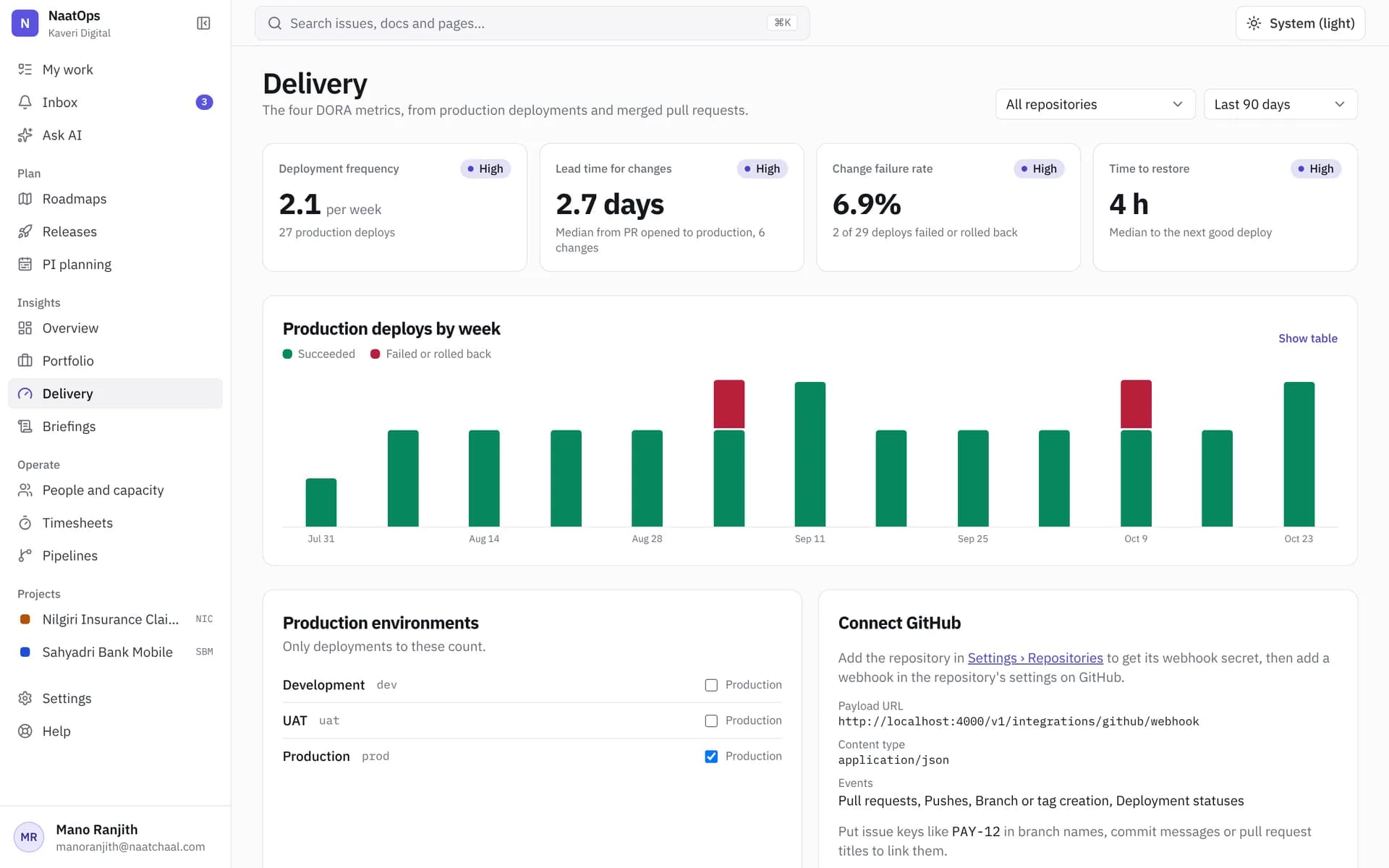
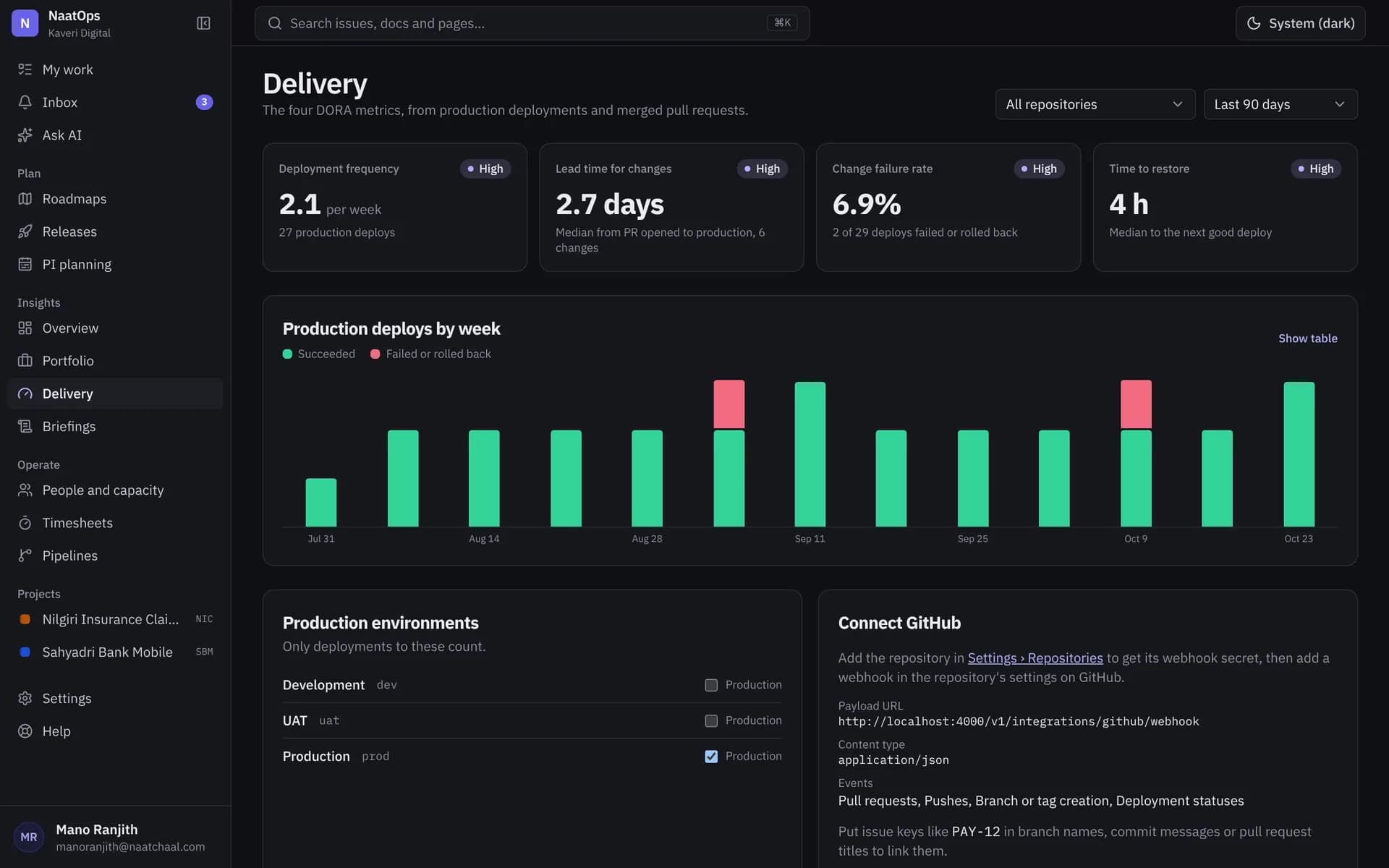
Delivery metrics
Deploy frequency, lead time, change failure rate and time to restore, from GitHub.
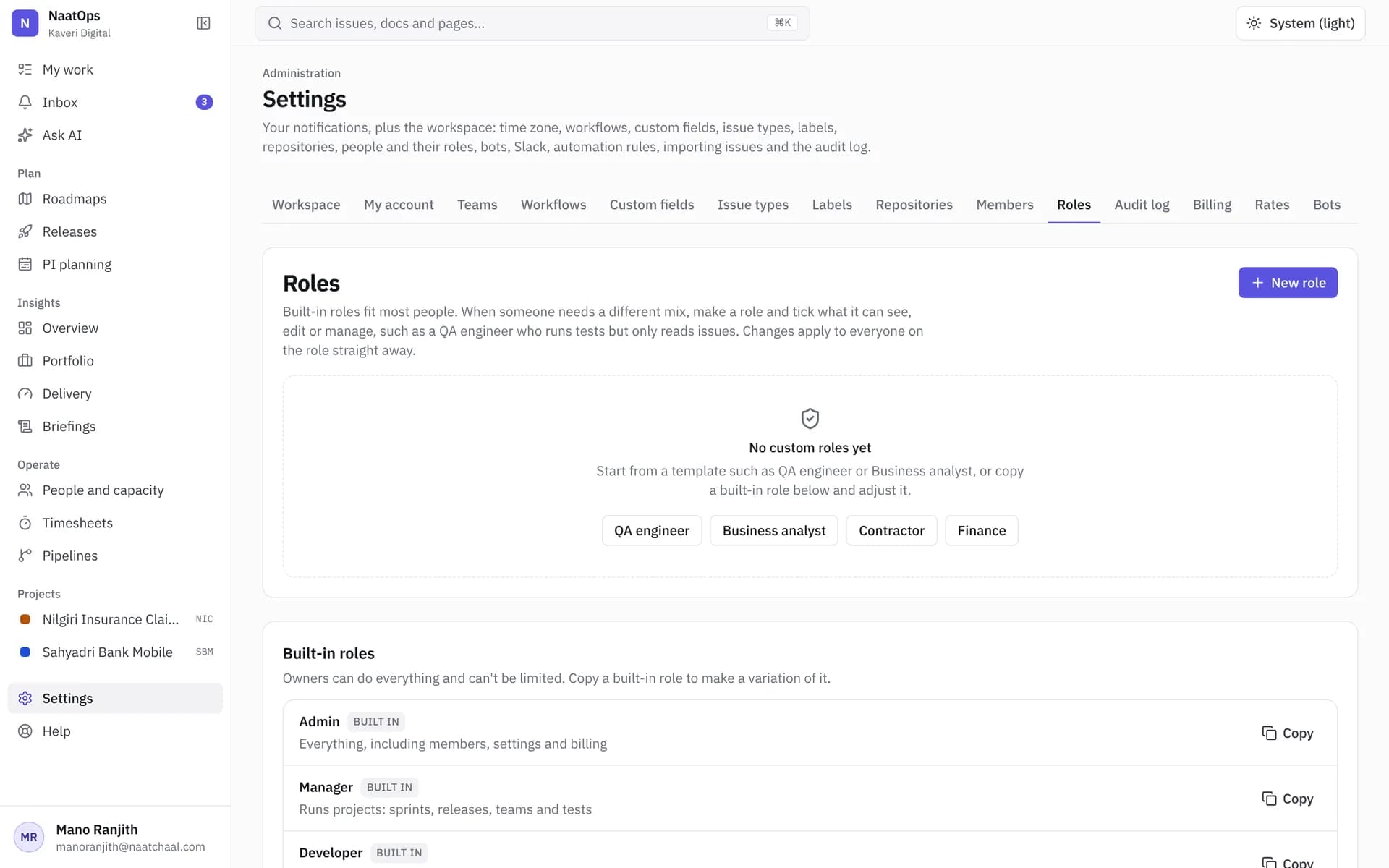
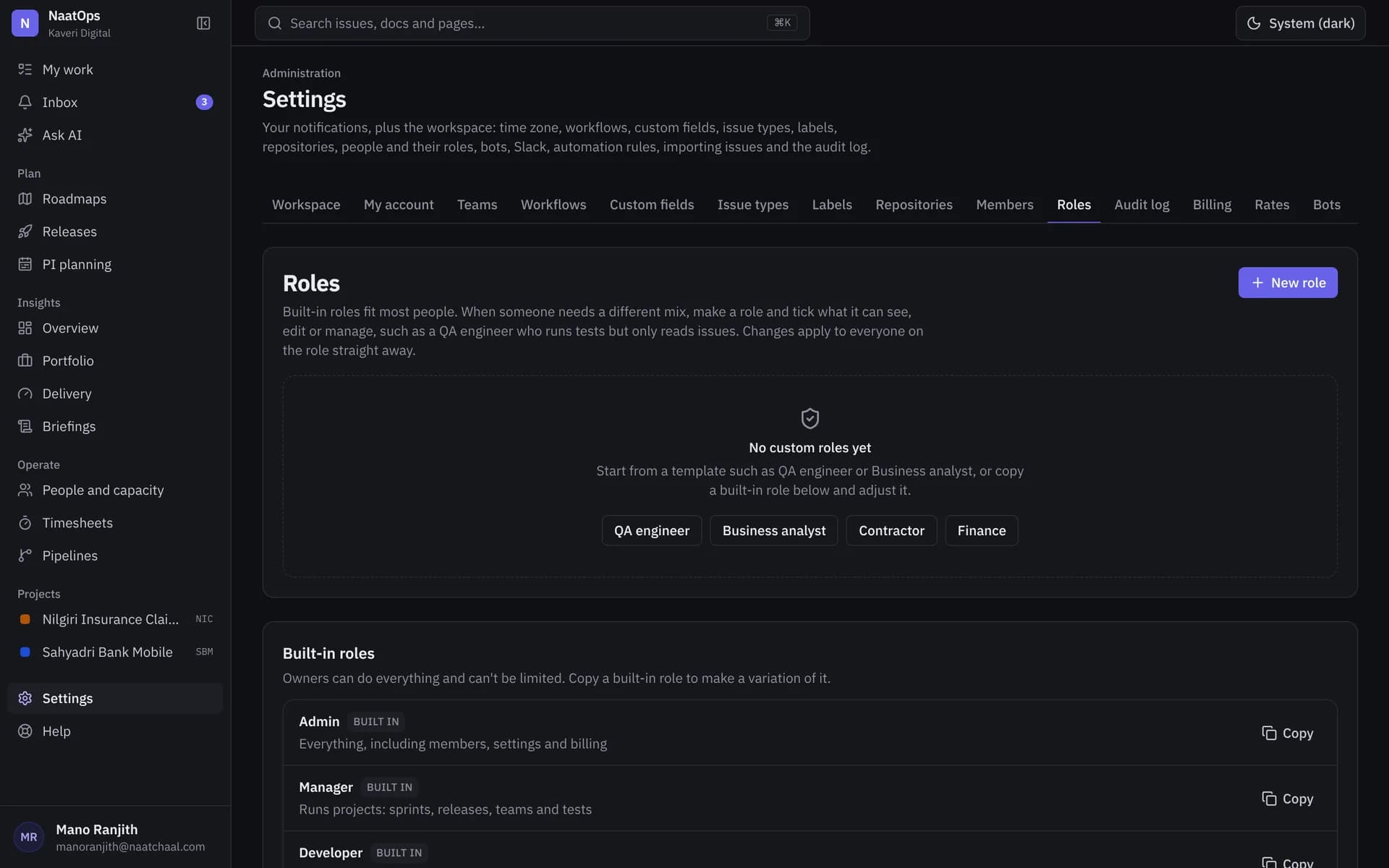
Custom roles
Start from QA engineer, Business analyst, Contractor or Finance, and tick what each can see, edit or manage.
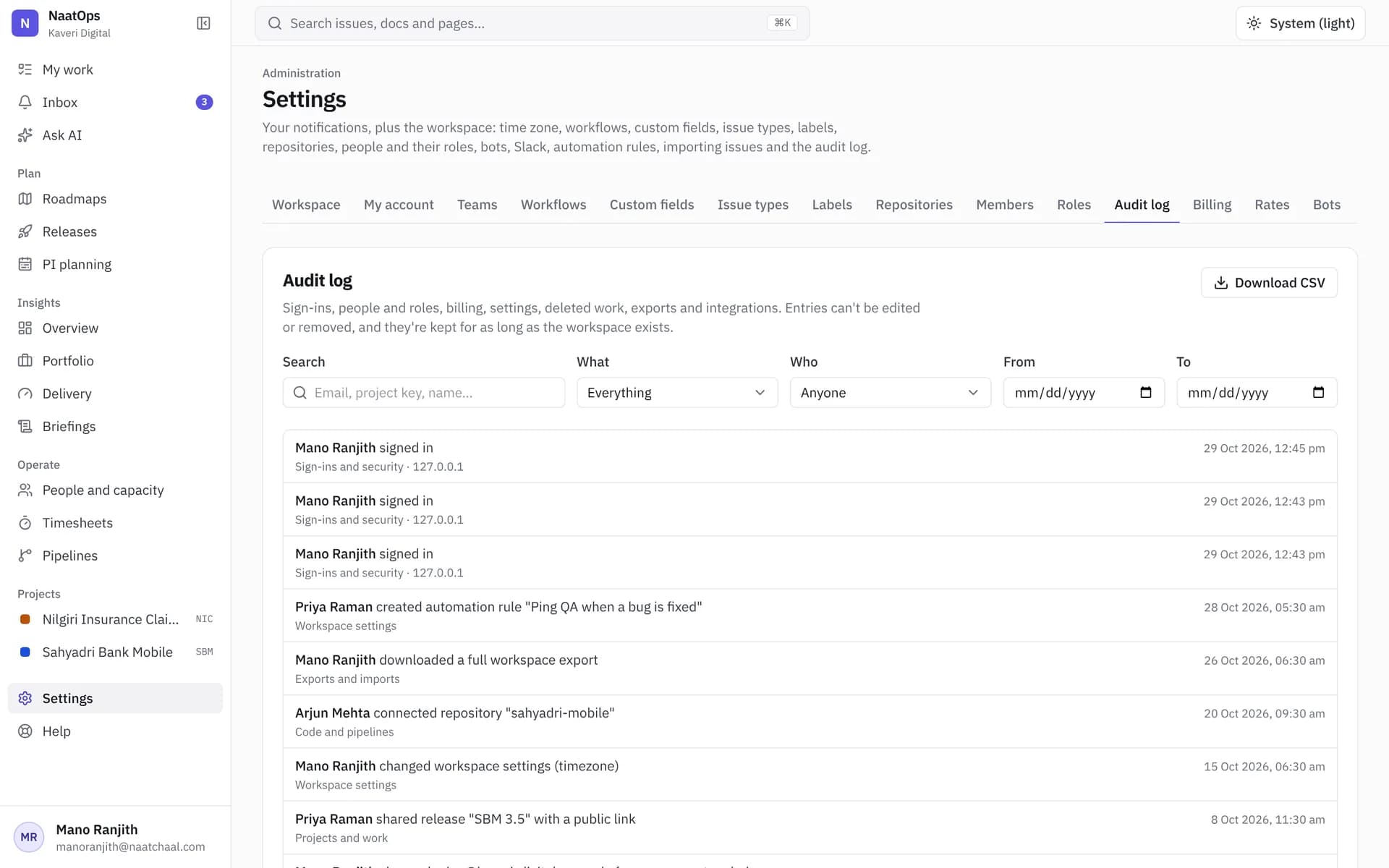
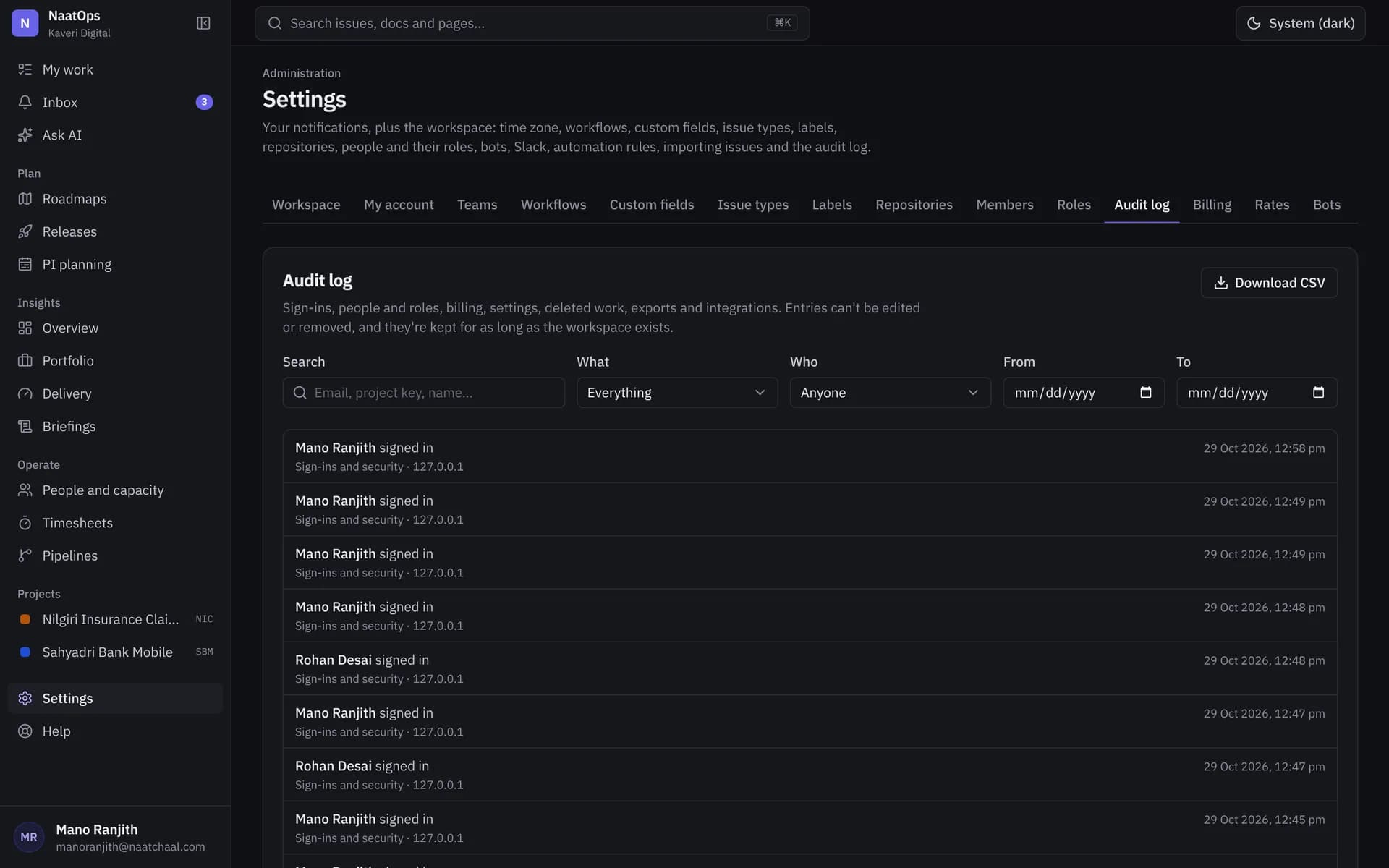
Audit log
Sign-ins, permission changes, exports and deletions, kept for as long as the workspace exists.
Also included
- Docs and wikis next to the work
- Automation rules on status changes and pull requests
- Slack, Microsoft Teams and Google Chat alerts
- GitHub pull requests and deployments on issues
- PI planning and cross-team dependencies
- People, capacity and time off
- Installable app for Android and iPhone
- Full data export as Excel-ready CSV and JSON
See it on your own project.
Free for up to 10 users, with 30 days of every feature.